
Find legal documents
Privacy policy, terms, DPA, cookies, and scenario-sharing terms.
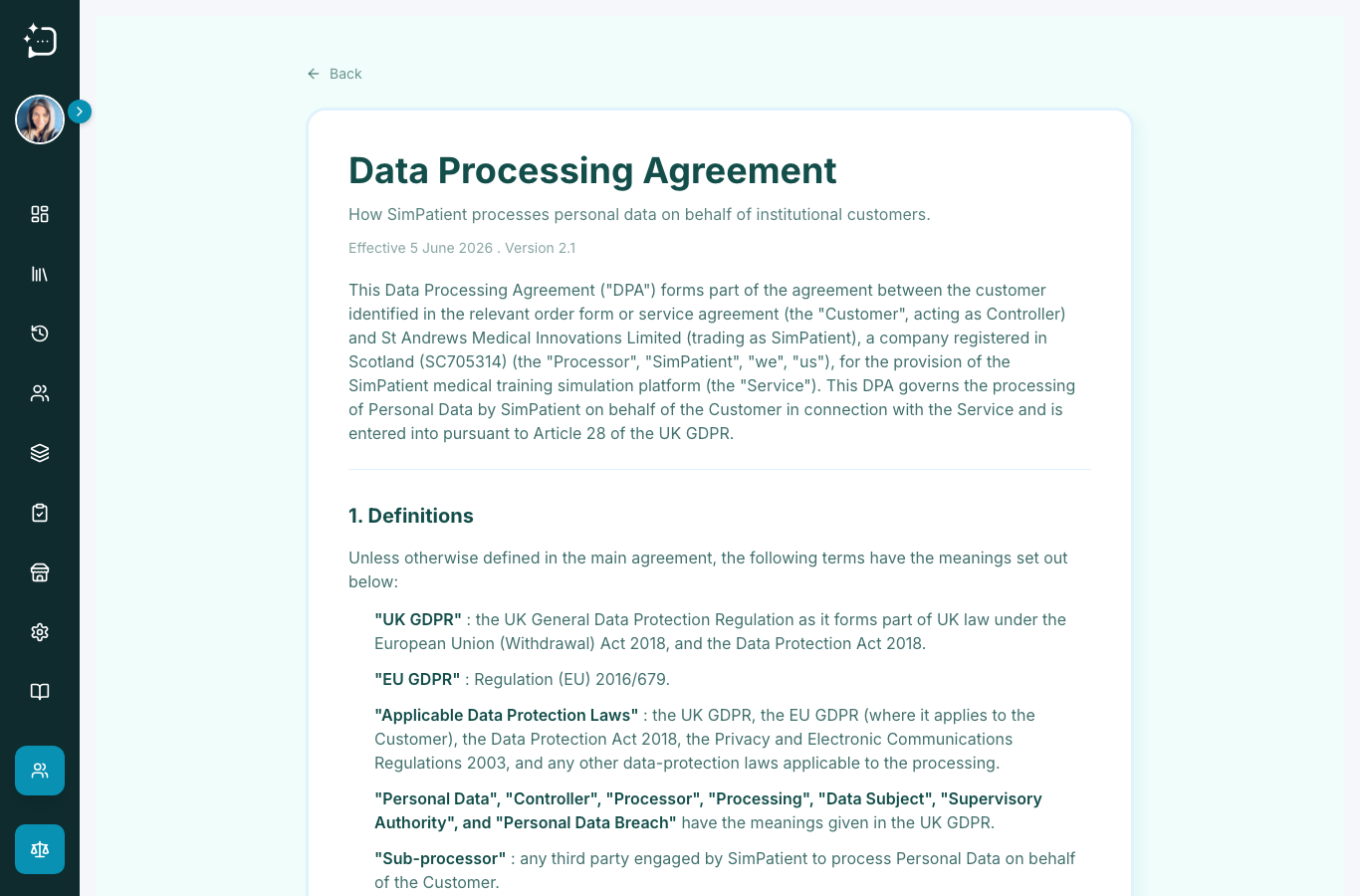
Quick steps
- 1Expand the sidebar.
- 2Open Legal.
- 3Choose Privacy Policy, Terms, DPA, Cookie Policy, or Scenario Sharing.
- 4Share the relevant page with procurement or governance reviewers.
Legal documents sit under the Legal group in the sidebar. They support onboarding, governance review, procurement checks, and institutional approval.
Which document to use
- Privacy Policy: broad data-use and privacy overview.
- Terms of Service: product-use terms.
- Data Processing Agreement: controller/processor governance.
- Cookie Policy: browser storage and support tooling.
- Scenario Sharing: content-sharing rules and responsibilities.
For formal procurement, keep a dated copy or link with your approval records.
Did this help?
If you're still stuck, email hello@simpatient.co.uk.