
Using audio mode
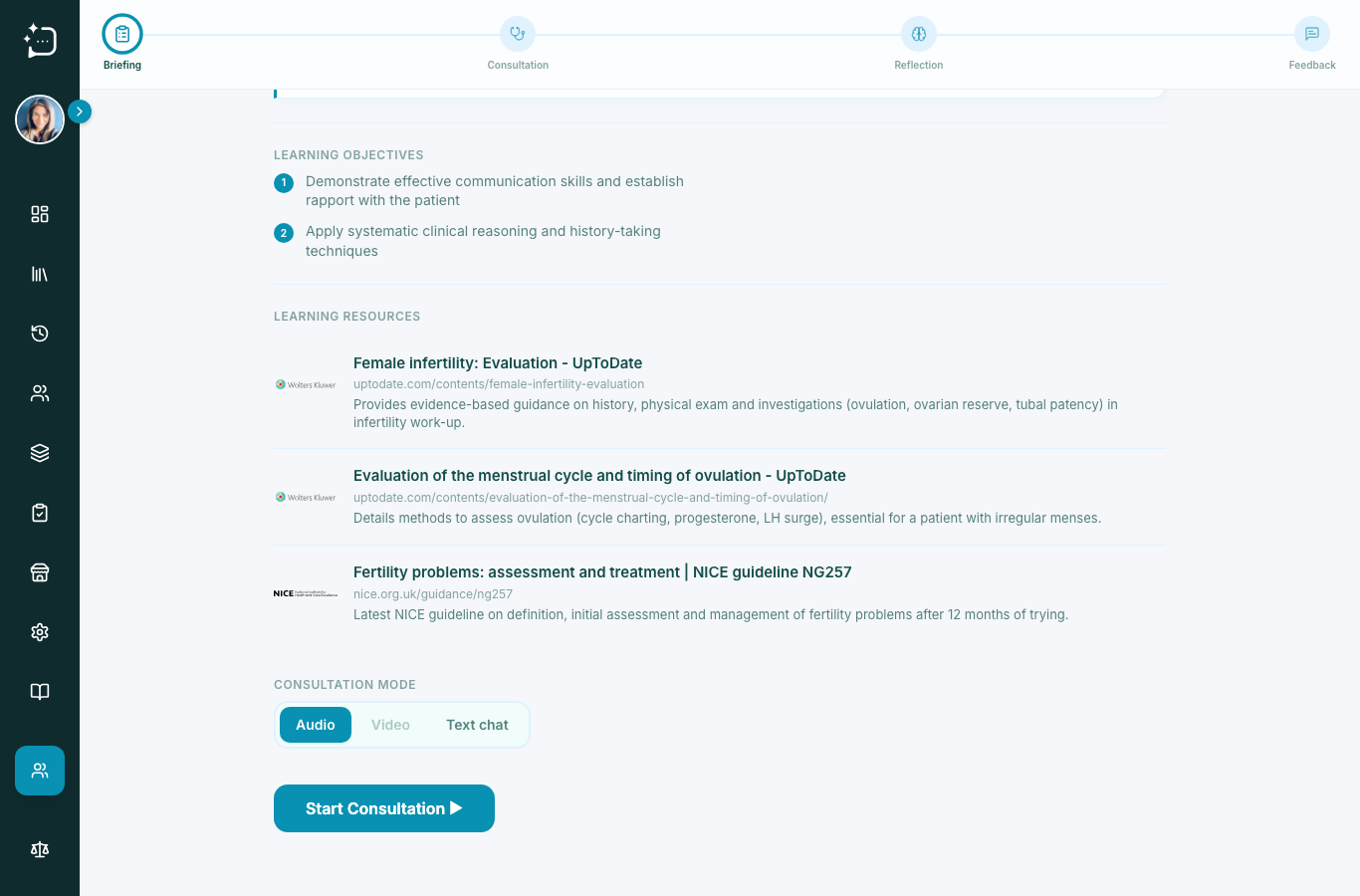
Speak with the AI patient using your microphone.
Quick steps
- 1Choose Audio mode.
- 2Allow microphone permission in browser.
- 3Start and run consultation naturally.
- 4End conversation, then complete reflection.
Audio mode is ideal for focused communication practice. It combines natural speech with the same case flow and rubric scoring.
Before you begin
- Allow microphone access when prompted.
- Use headset microphones where possible.
- Keep background noise low.
- Pause between patient replies and your next question.
If the audio feels unclear, it is usually a permissions or device-selection issue rather than a simulator problem.
Did this help?
If you're still stuck, email hello@simpatient.co.uk.