
Microphone & camera troubleshooting
Fix the most common audio and video problems.
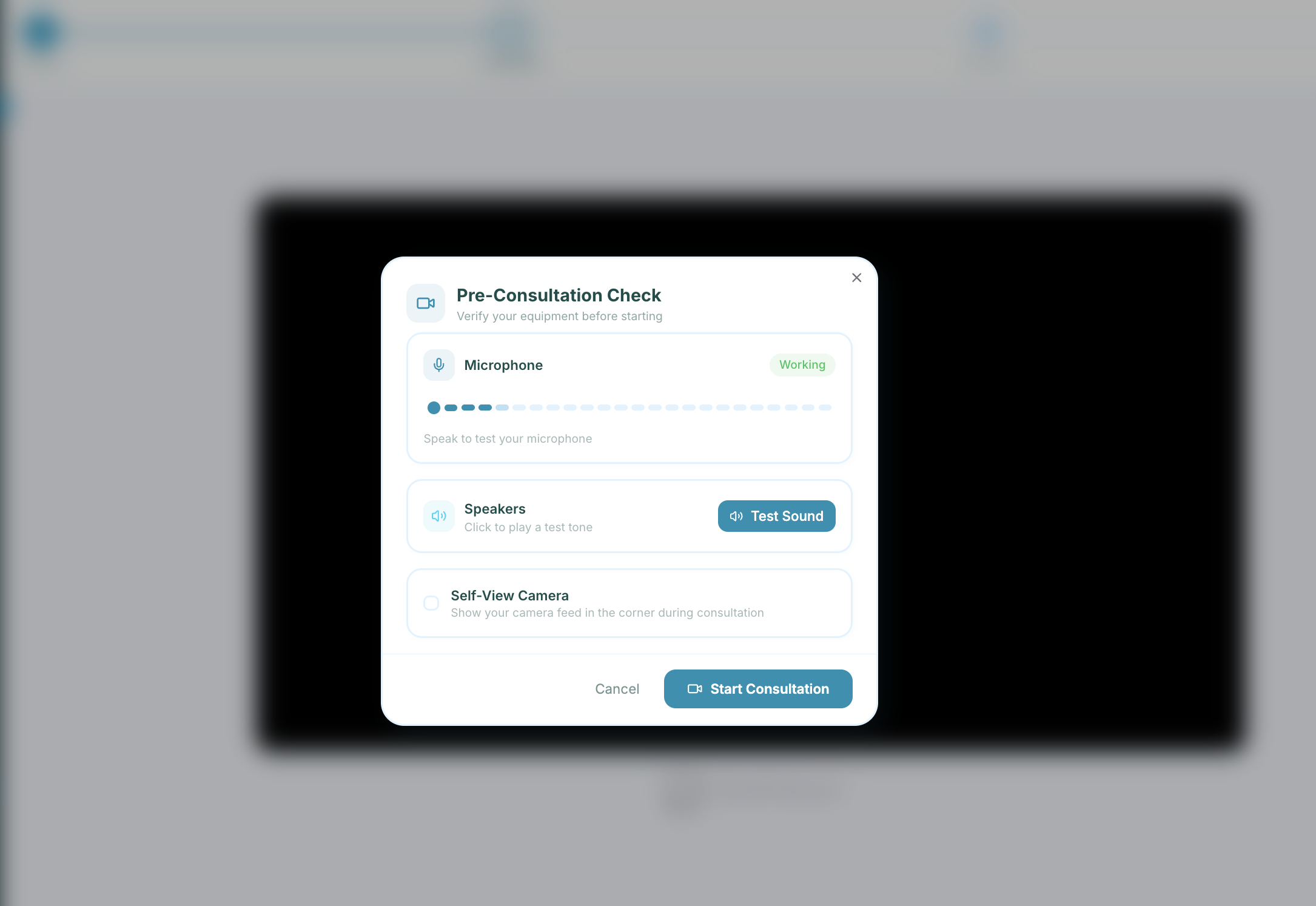
Quick steps
- 1Check the browser asked for permission and you selected Allow.
- 2Confirm the right microphone/camera is selected in your browser.
- 3Close other apps that may be using the device.
- 4Refresh the page and try again.
These are the most common causes of broken audio/video sessions.
- Refresh page after granting permissions in browser.
- Restart browser and open app.simpatient.co.uk again.
If issues remain, confirm the exact selected microphone/camera in your operating-system settings.
Did this help?
If you're still stuck, email hello@simpatient.co.uk.