
Using video mode
Practise face to face with a streaming AI avatar.
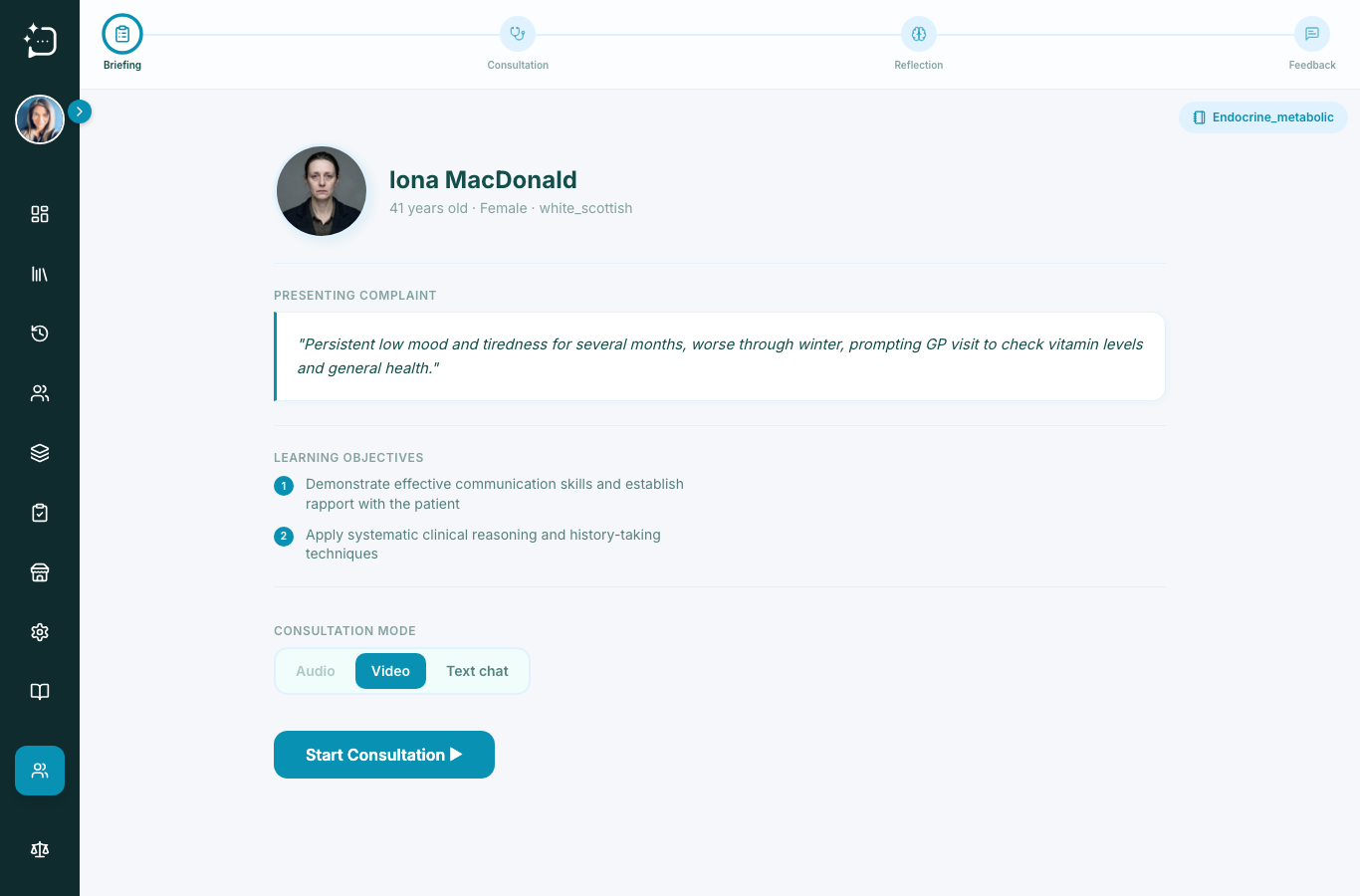
Quick steps
- 1Choose Video mode.
- 2Allow camera permission in browser.
- 3Start consultation and keep your posture/pace visible.
- 4End conversation and complete reflection.
Video mode adds non-verbal communication into practice while preserving the same briefing -> consultation -> reflection -> feedback flow.
- Check lighting and camera framing before starting.
- Keep eye contact with camera, not only the screen.
- Pause after answering and explain next steps clearly.
If your browser blocks camera capture, open the page permissions, allow camera, then refresh and try again.
Did this help?
If you're still stuck, email hello@simpatient.co.uk.