
How AI feedback works
What the feedback is - and what it is not.
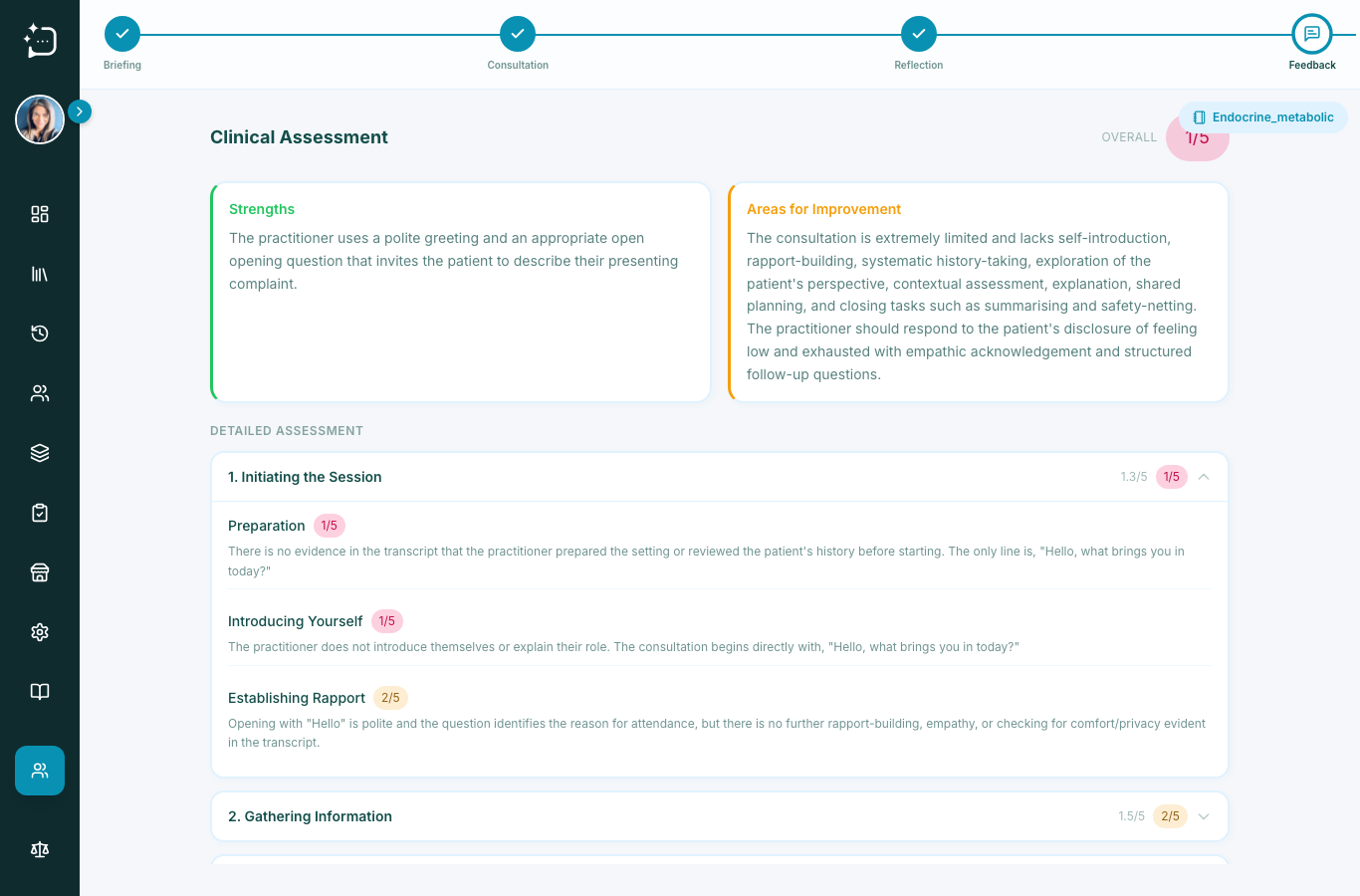
Quick steps
- 1Finish your consultation and complete reflection.
- 2Open Feedback.
- 3Review strengths and improvement areas.
- 4Use one action point for next practice.
Feedback is generated from your consultation transcript and rubric mapping. It is formative, and it is designed to help practice, not provide final summative marking.
- Strengths and what the patient asked for.
- Missed opportunities against the scenario rubric.
- Specific prompts you can apply in your next session.
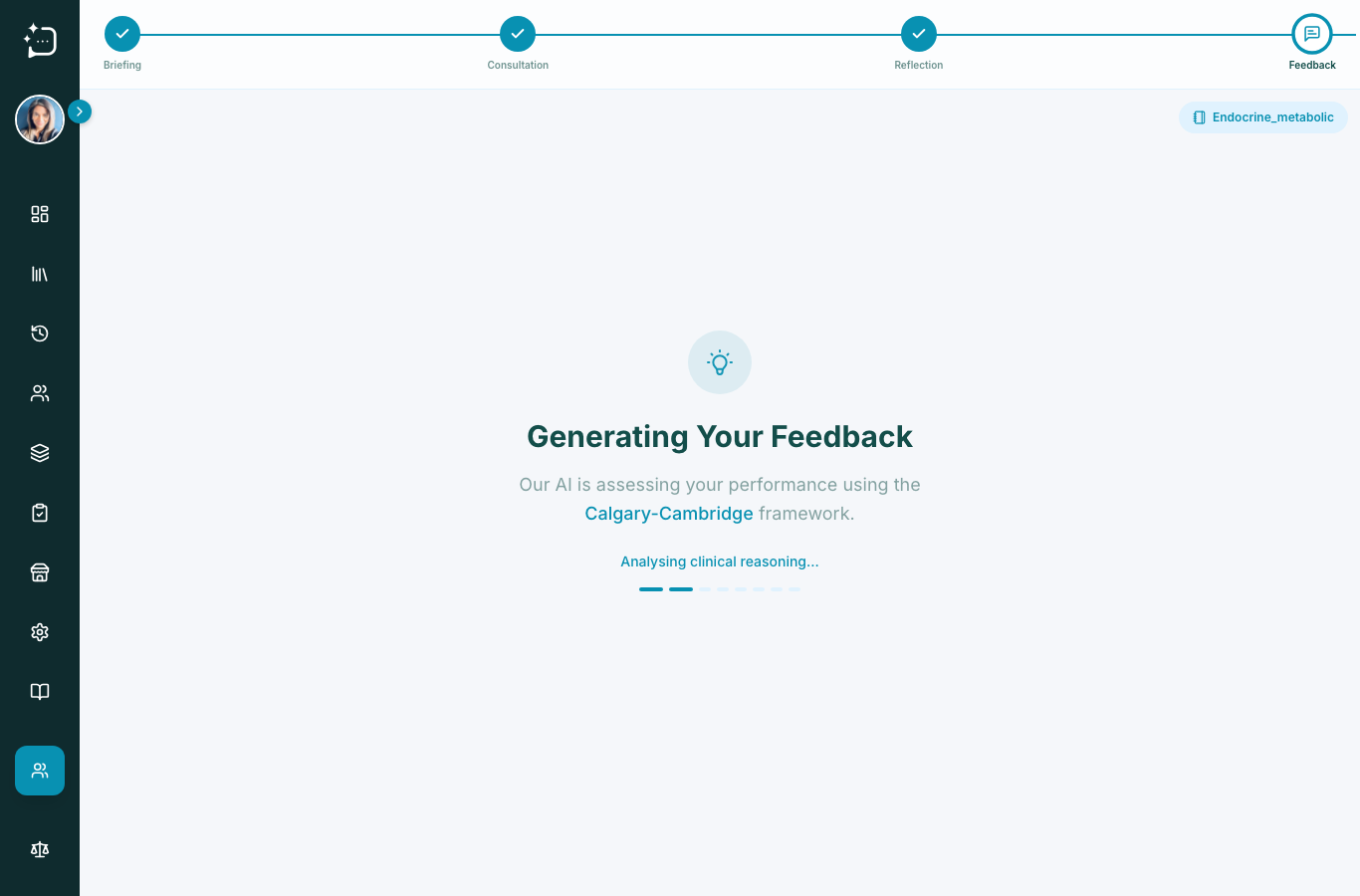
The feedback is educational guidance: useful for reflection and coaching, and not a replacement for human summative assessment.
Did this help?
If you're still stuck, email hello@simpatient.co.uk.