
Tutor review mode
Hold AI feedback for a human to review before release.
Quick steps
- 1Enable Require tutor review before publishing.
- 2Let learners complete the consultation and reflection.
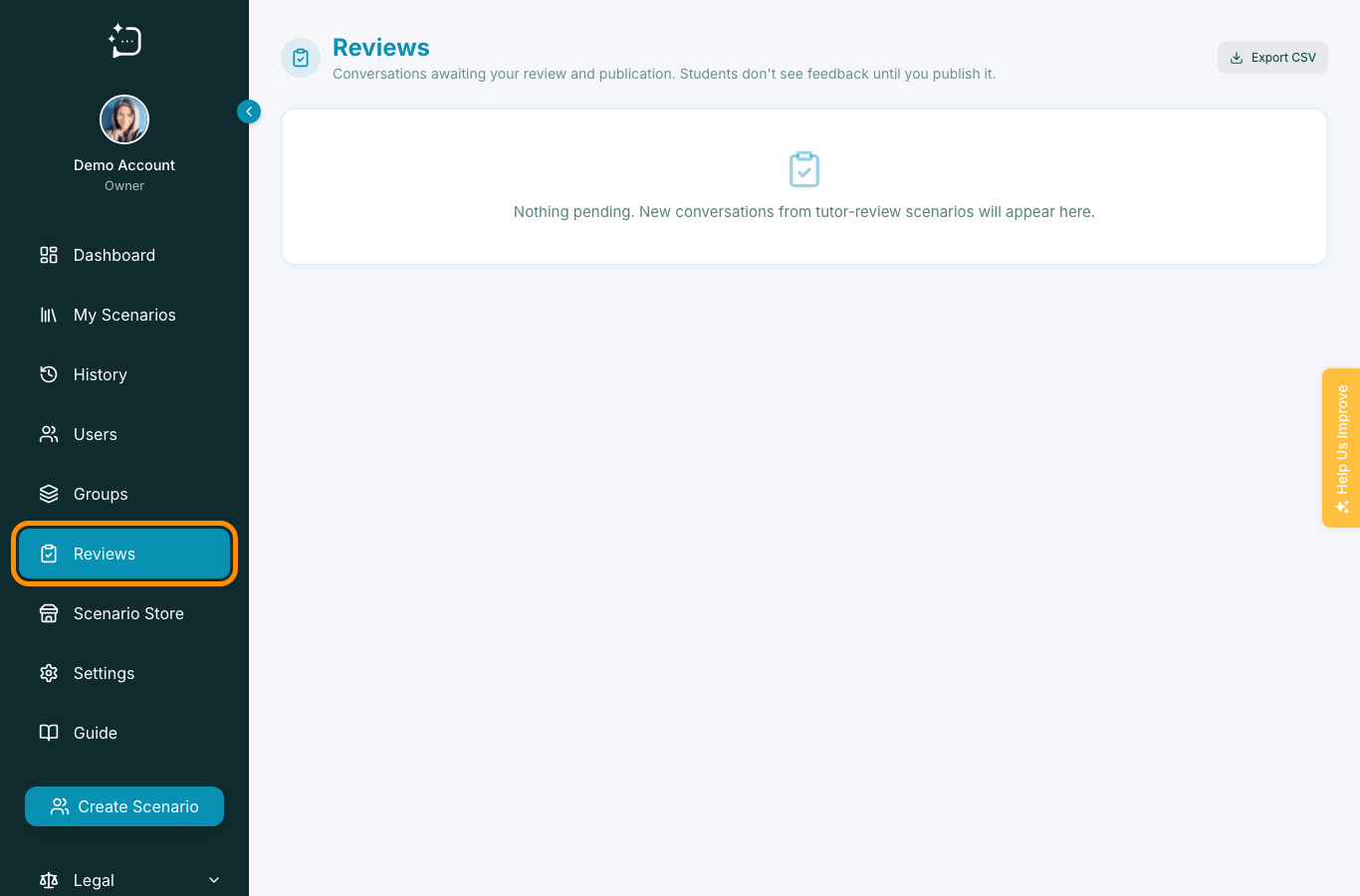
- 3Open Reviews to check the held AI feedback.
- 4Edit, delete, or publish the feedback once a tutor has reviewed it.
Enable Require tutor review before publishing when you do not want AI feedback to publish directly to the student. Instead, the AI feedback appears in the Reviews section, where tutors and organisation owners can check it, edit it, delete it, or publish it when ready.
- Enable Require tutor review before publishing.
- Ask learners to complete their consultation and reflection as normal.
- Open the Reviews section to see AI feedback waiting for tutor review.
- Check the feedback, then edit or delete anything that needs changing.
- Publish the approved feedback when it is ready for the student.
Focus reviewer comments on learning strategy and communication quality, not just score correction.
Did this help?
If you're still stuck, email hello@simpatient.co.uk.