
Import an existing scenario
Turn a PDF or Word document into a SimPatient scenario.
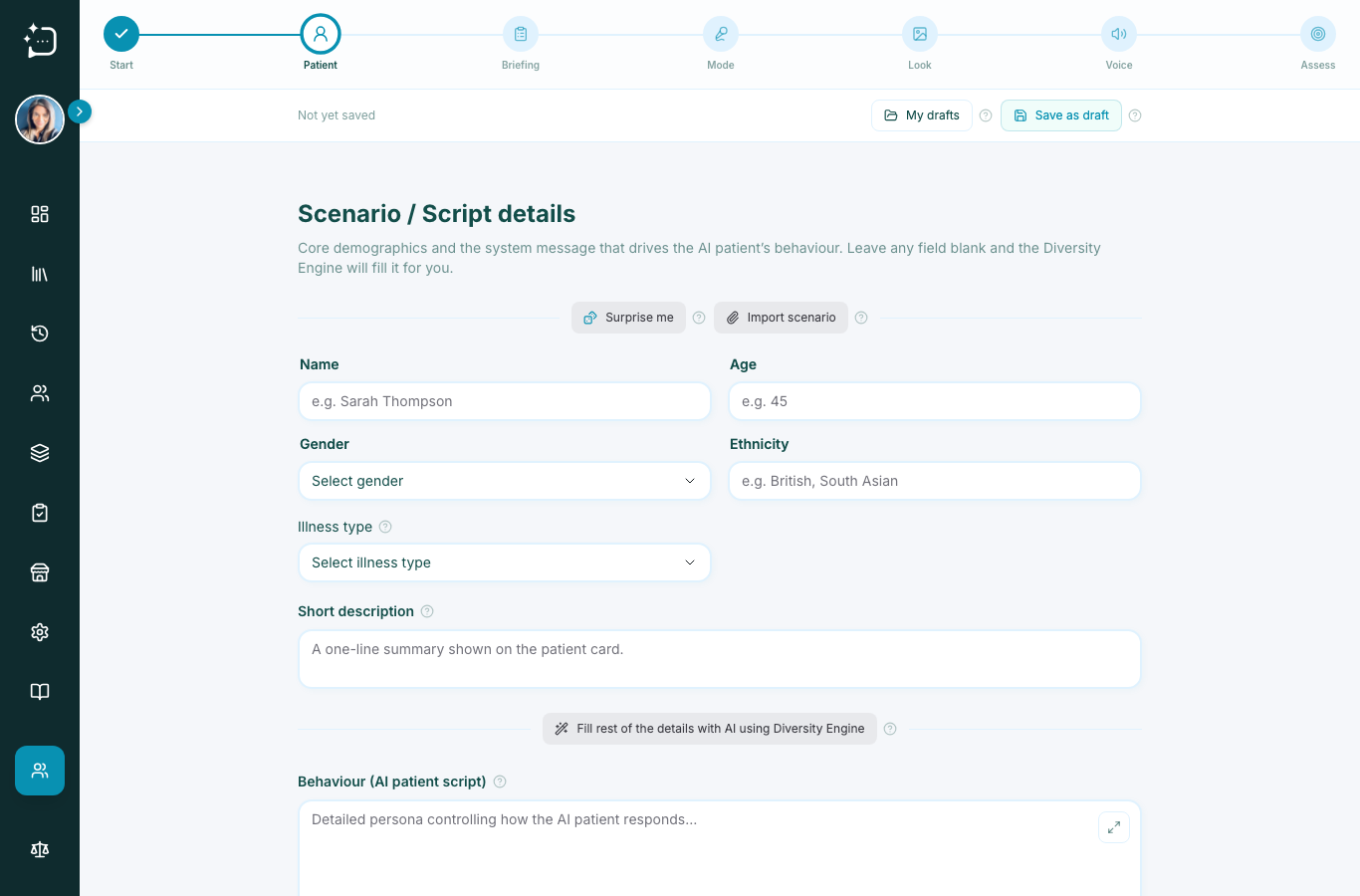
Quick steps
- 1Open Create Scenario and choose the import path.
- 2Upload your source PDF or Word file.
- 3Review AI-generated fields carefully.
- 4Correct briefings and behavior details.
- 5Save and publish when finished.
Importing gives you speed when faculty already has approved case text. Use clean headings and short sections for best conversion.
- Upload the case document from your local disk.
- Let SimPatient parse patient details and section structure.
- Review generated fields and edit clinical accuracy.
- Select mode and rubric before saving.
- Run a short validation consultation and publish.
If extraction misses details, manually map critical safety or safeguarding points before releasing.
Did this help?
If you're still stuck, email hello@simpatient.co.uk.