
Using chat mode
Practise with a text-based conversation.
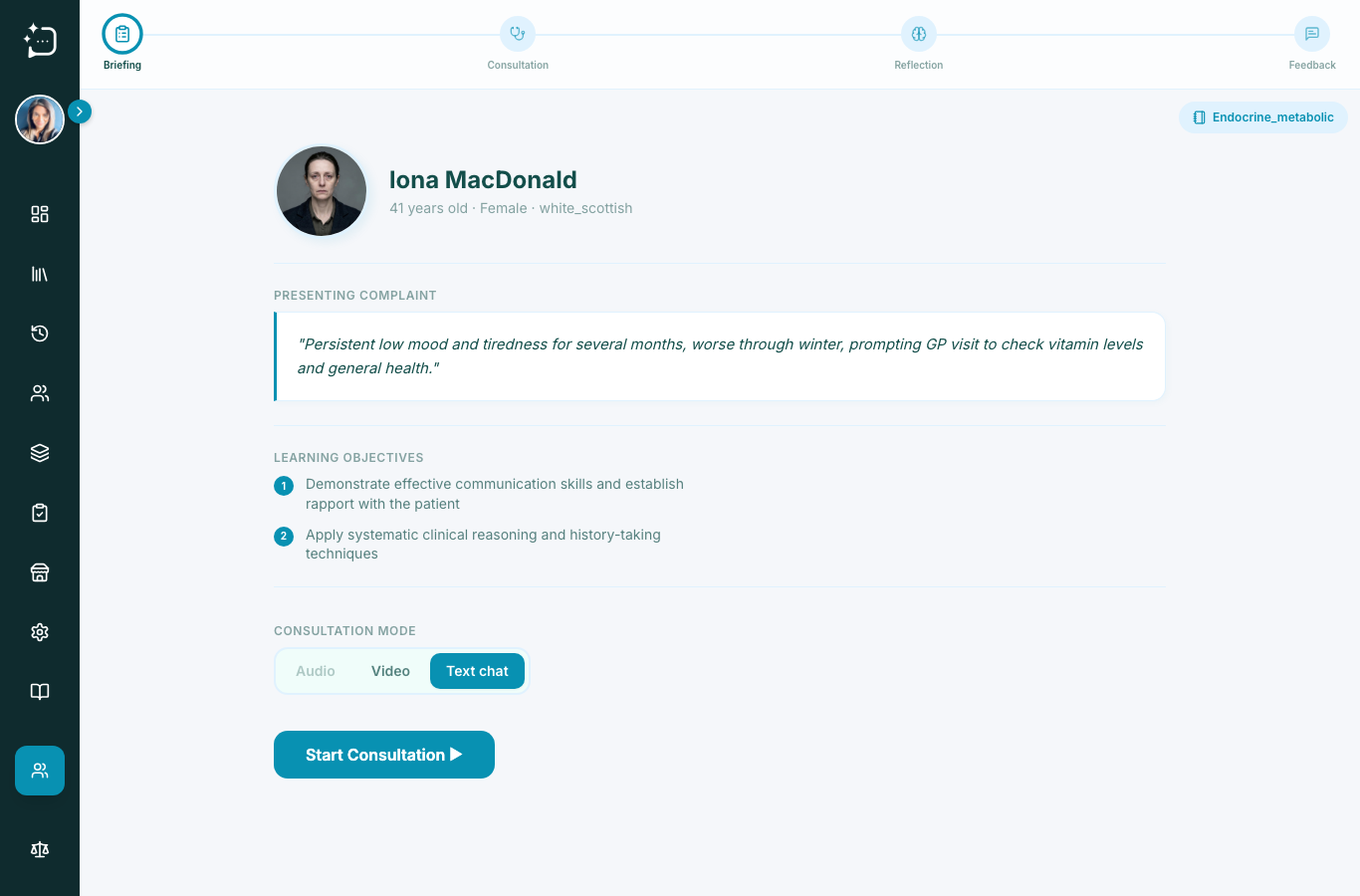
Quick steps
- 1Open a scenario from your library.
- 2Choose Text chat at the consultation mode step.
- 3Press Start Consultation.
- 4Type and send a message.
- 5Finish and move into reflection.
Chat mode is the most direct way to practise clinical communication. It uses normal text with real-time responses from the patient and saves the full consultation transcript for your review.
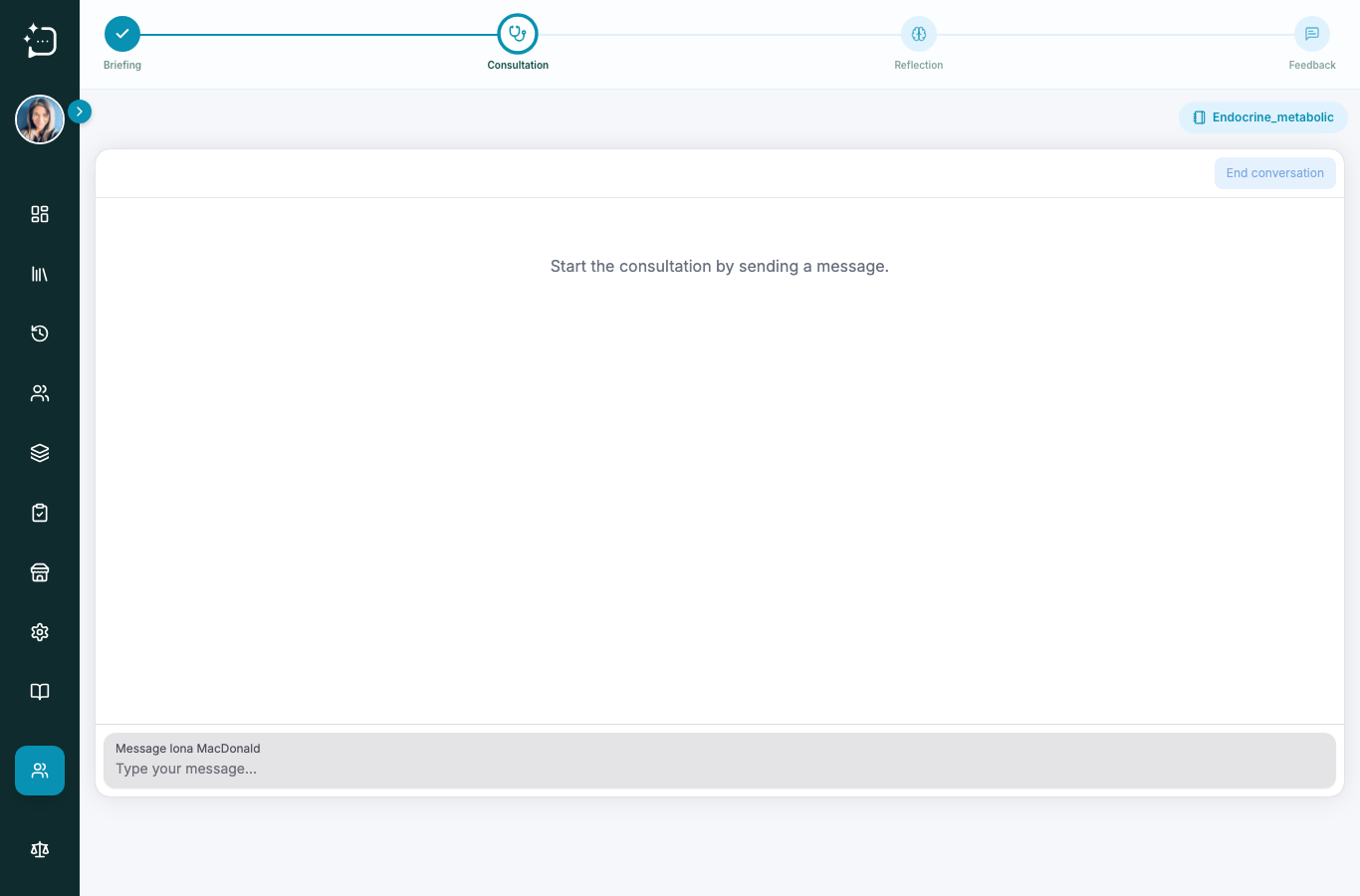
Use short, clear questions first, then move from symptom history to context, then to management and safety-netting. This creates a predictable structure for the rubric and makes your answers easier to assess.
- Start with rapport and the presenting concern.
- Ask one focused domain at a time.
- Use patient summary prompts as they develop.
- Conclude with next steps and checks.
If the patient answer is too short, follow up with one specific open question: 'Can you tell me more about ...?'
Did this help?
If you're still stuck, email hello@simpatient.co.uk.