
Create your first scenario
Build a patient scenario with the scenario wizard.
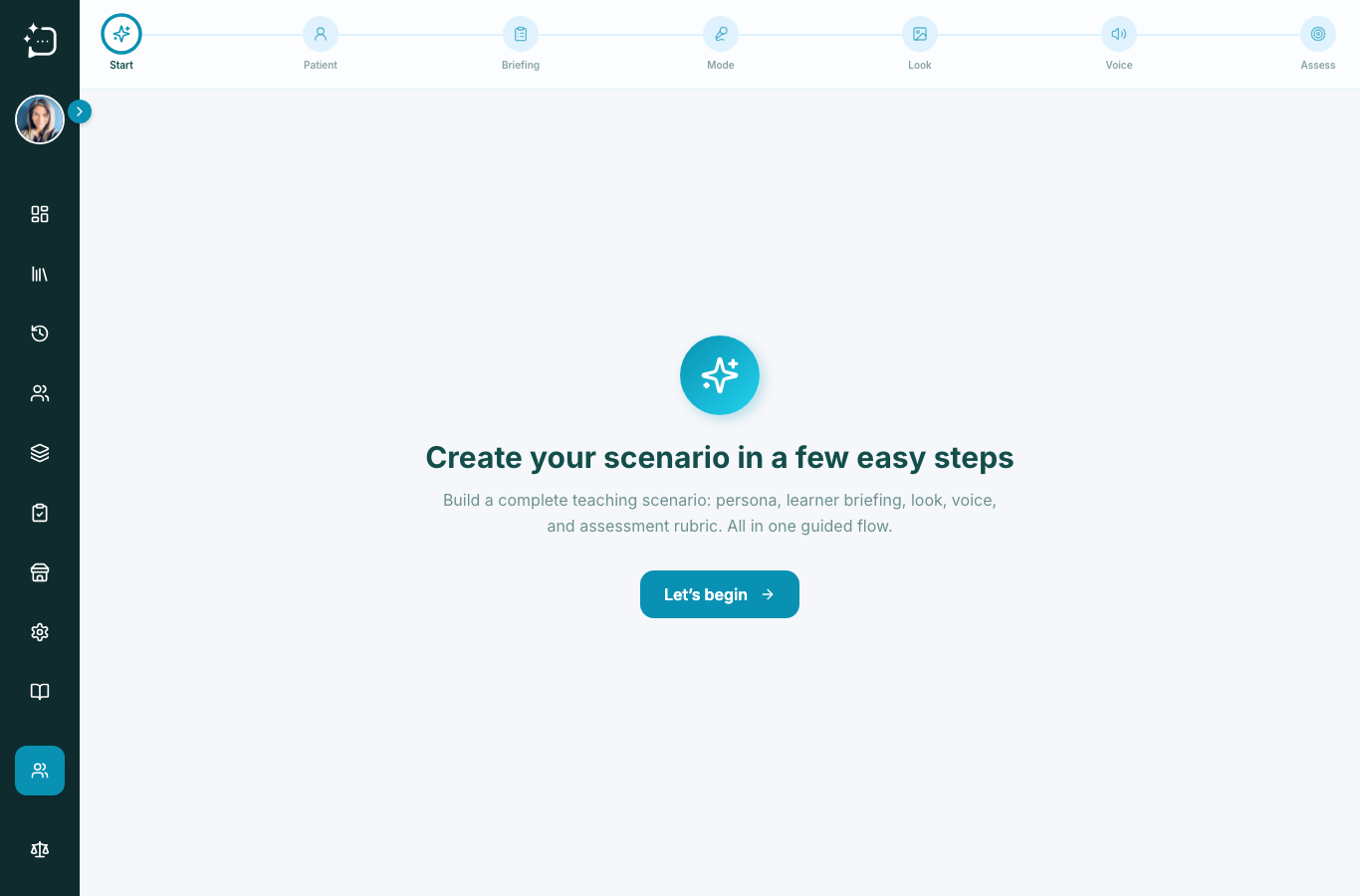
Educators build their own patients with the scenario wizard. From your library, select Create Scenario - the wizard walks you through everything in one guided flow.
The fastest way to start is to let SimPatient do the heavy lifting: on the Patient step, press Surprise me to generate a complete, realistic patient, then adjust anything you want. Or fill in just a name and a one-line description and leave the rest to the Diversity Engine.
The full walkthrough of every step is in the dedicated guide below.
Did this help?
If you're still stuck, email hello@simpatient.co.uk.