
Editing a persona's system message
Advanced: fine-tune how the AI plays the patient.
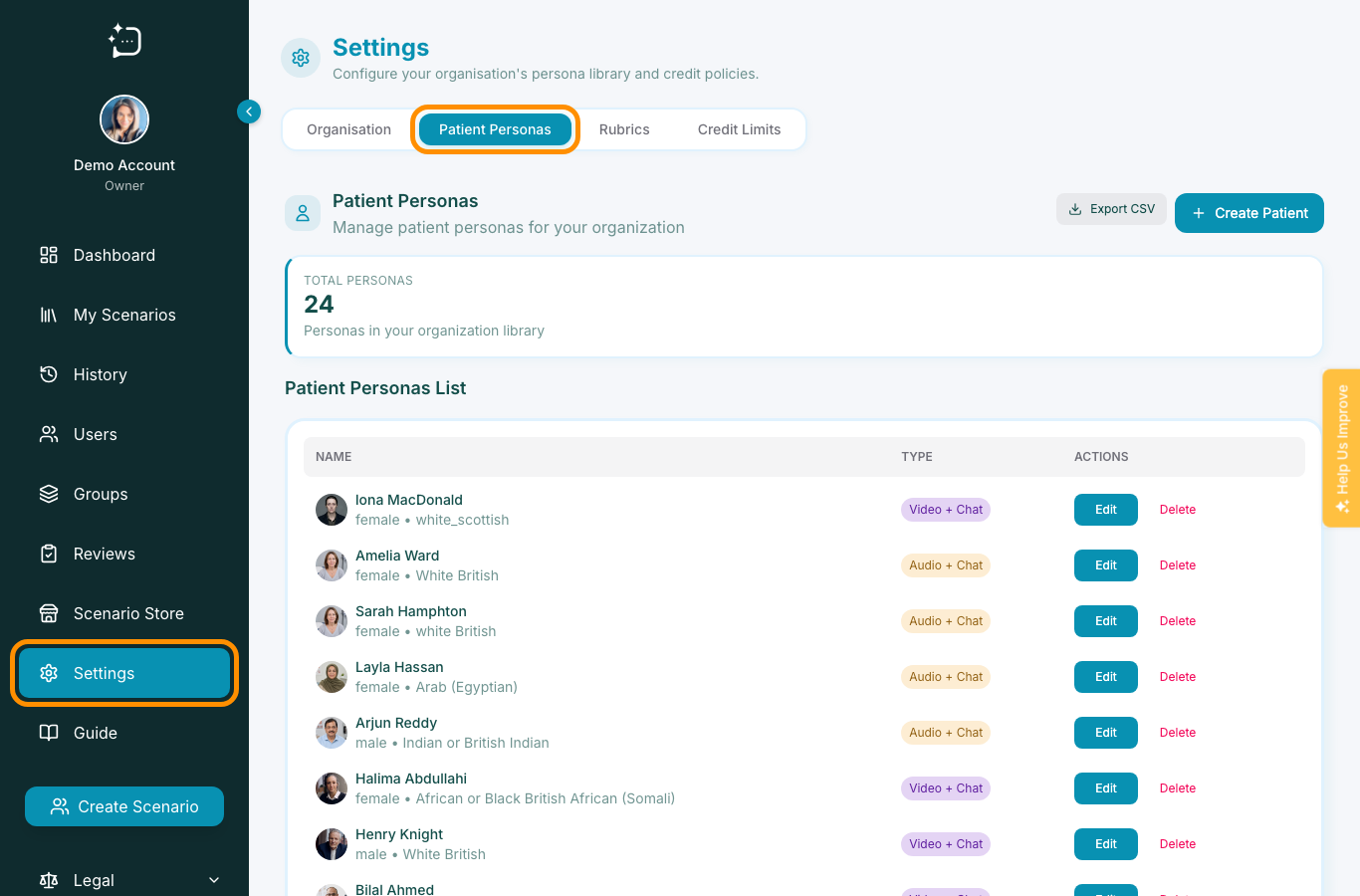
Quick steps
- 1Open the relevant scenario and enter Patient step.
- 2Adjust wording for tone, disclosure, and safety boundaries.
- 3Save draft and run one quick test.
- 4Publish after consistency check.
Advanced authors can directly shape persona instructions. Use concise constraints rather than overly broad commands.
Safe editing pattern
- Set communication tone (e.g., guarded, anxious, urgent).
- Set disclosure limits and fallback wording.
- Define when to change topic or repeat concerns.
- Test in text mode before enabling audio/video.
Keep persona edits minimal per release so your team can spot unintended regressions quickly.
Did this help?
If you're still stuck, email hello@simpatient.co.uk.