
Run your first consultation
From opening a scenario to receiving your feedback, end to end.
Quick steps
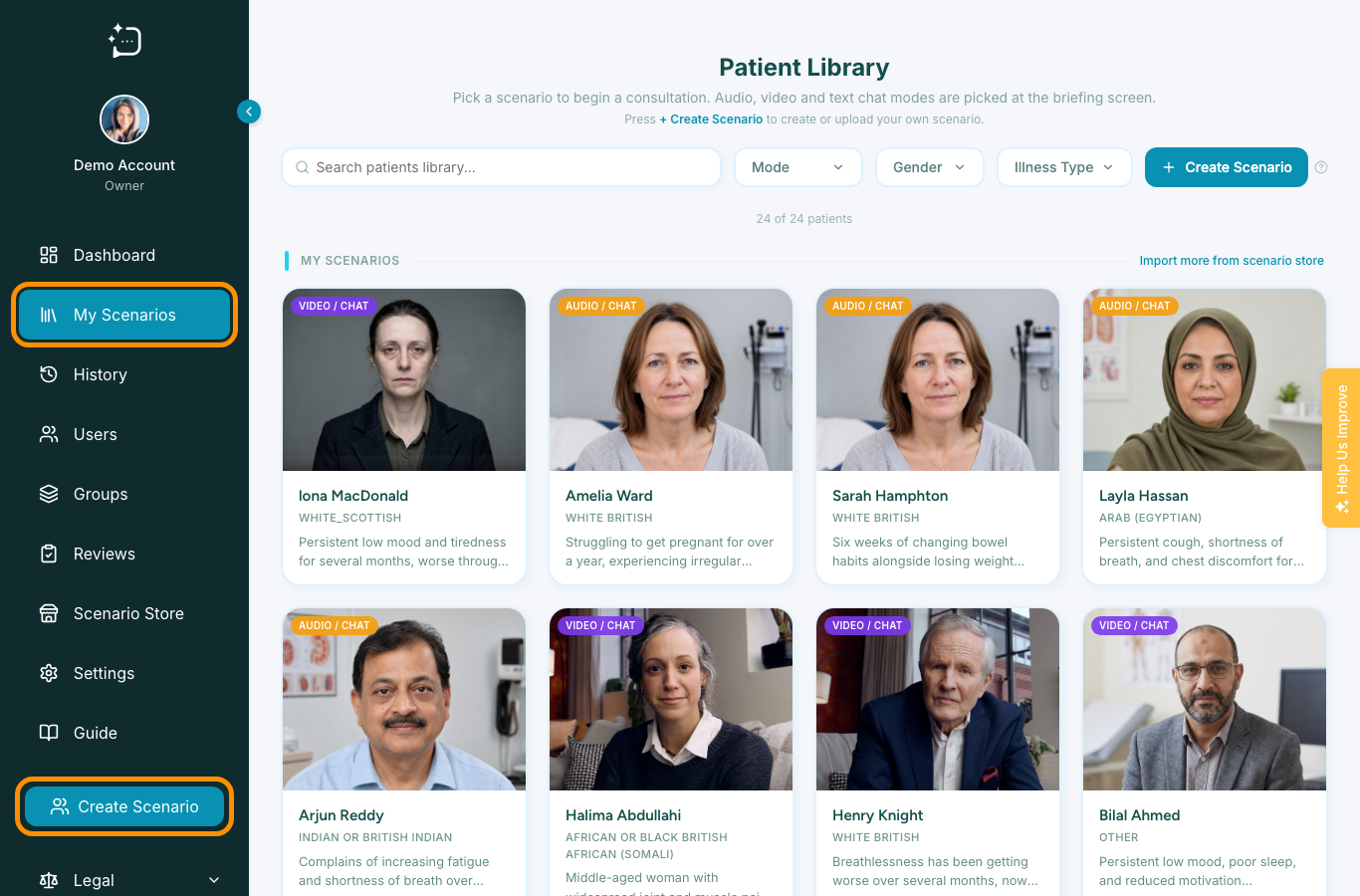
- 1Pick a patient card from your library.
- 2Read the briefing, then start the consultation.
- 3Talk to the patient in chat, audio, or video.
- 4Complete the short reflection.
- 5Review your feedback.
1. Pick a patient
Open your library and choose a patient card. You can search or filter by mode, gender, and illness type to find the scenario you want. Each card shows whether the patient supports audio, video, or chat.
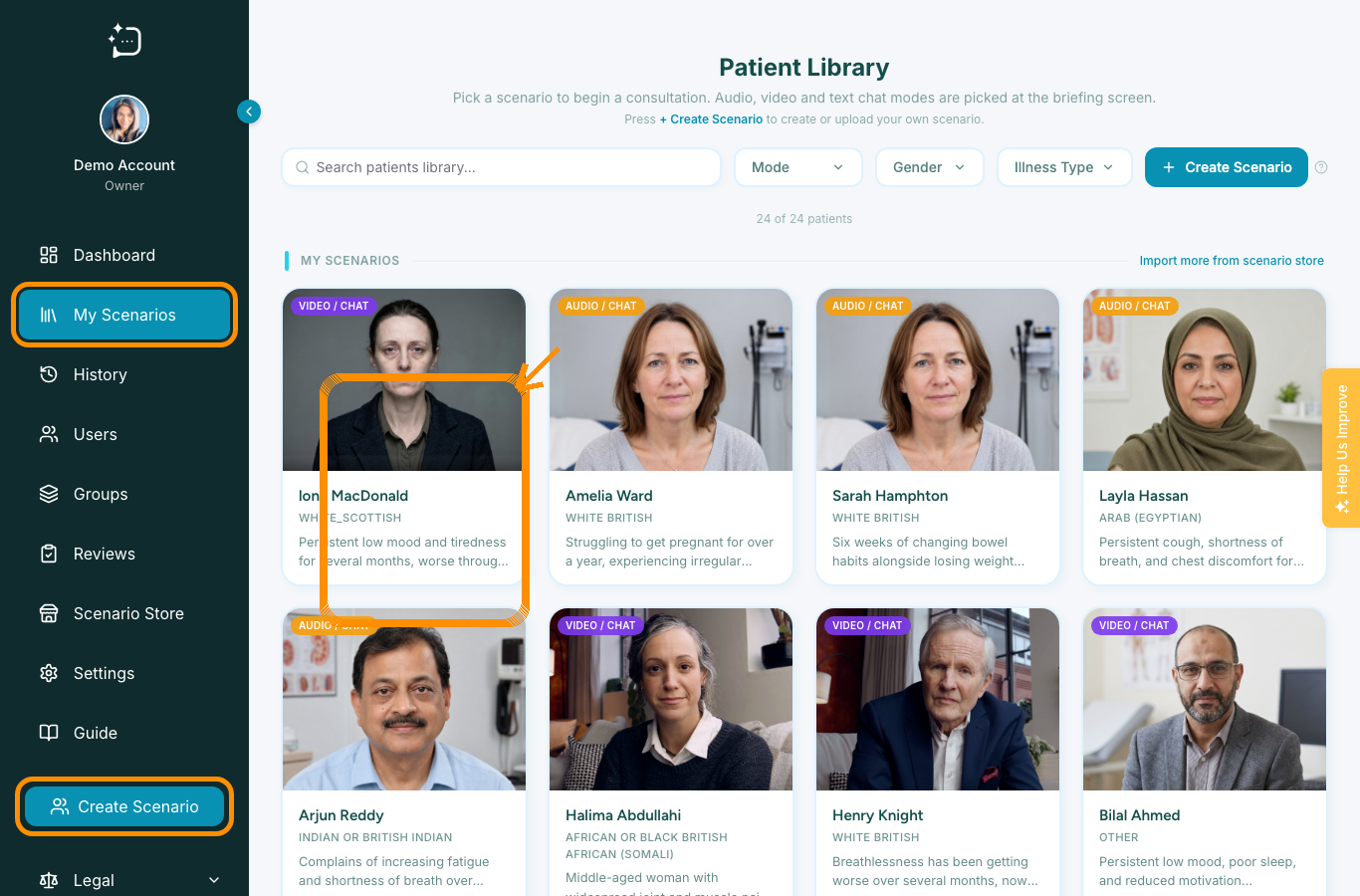
2. Read the briefing
Before you start, you'll see a briefing - the presenting complaint, the setting, and what you're being asked to do. Take a moment to read it; it's the same context a real clinician would have walking into the room.
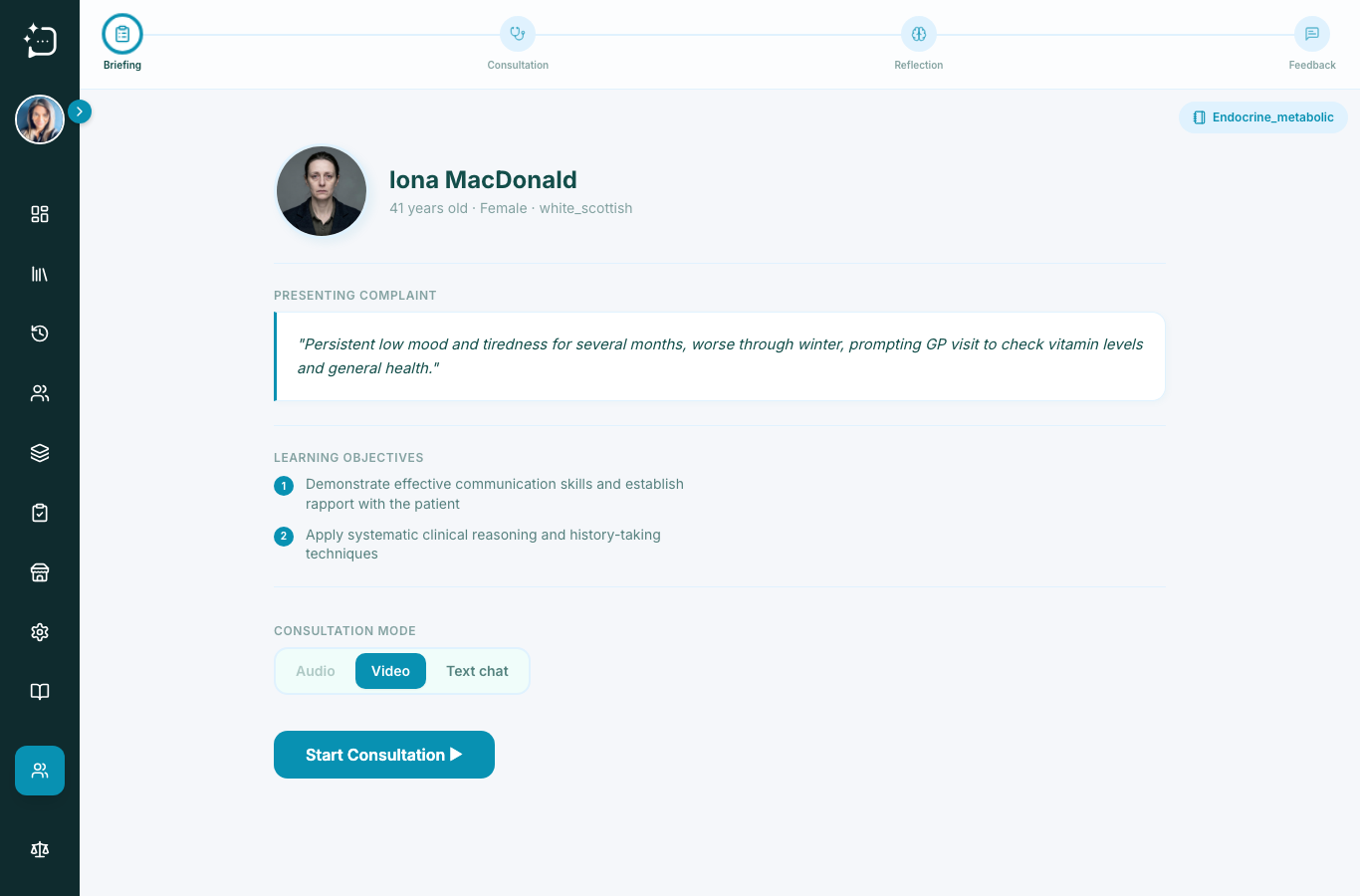
3. Have the consultation
Start the consultation and talk to the patient in your chosen mode. Speak (or type) naturally - ask open questions, listen, and respond to what they say. The patient reveals information gradually, just like a real one, so the way you ask matters.
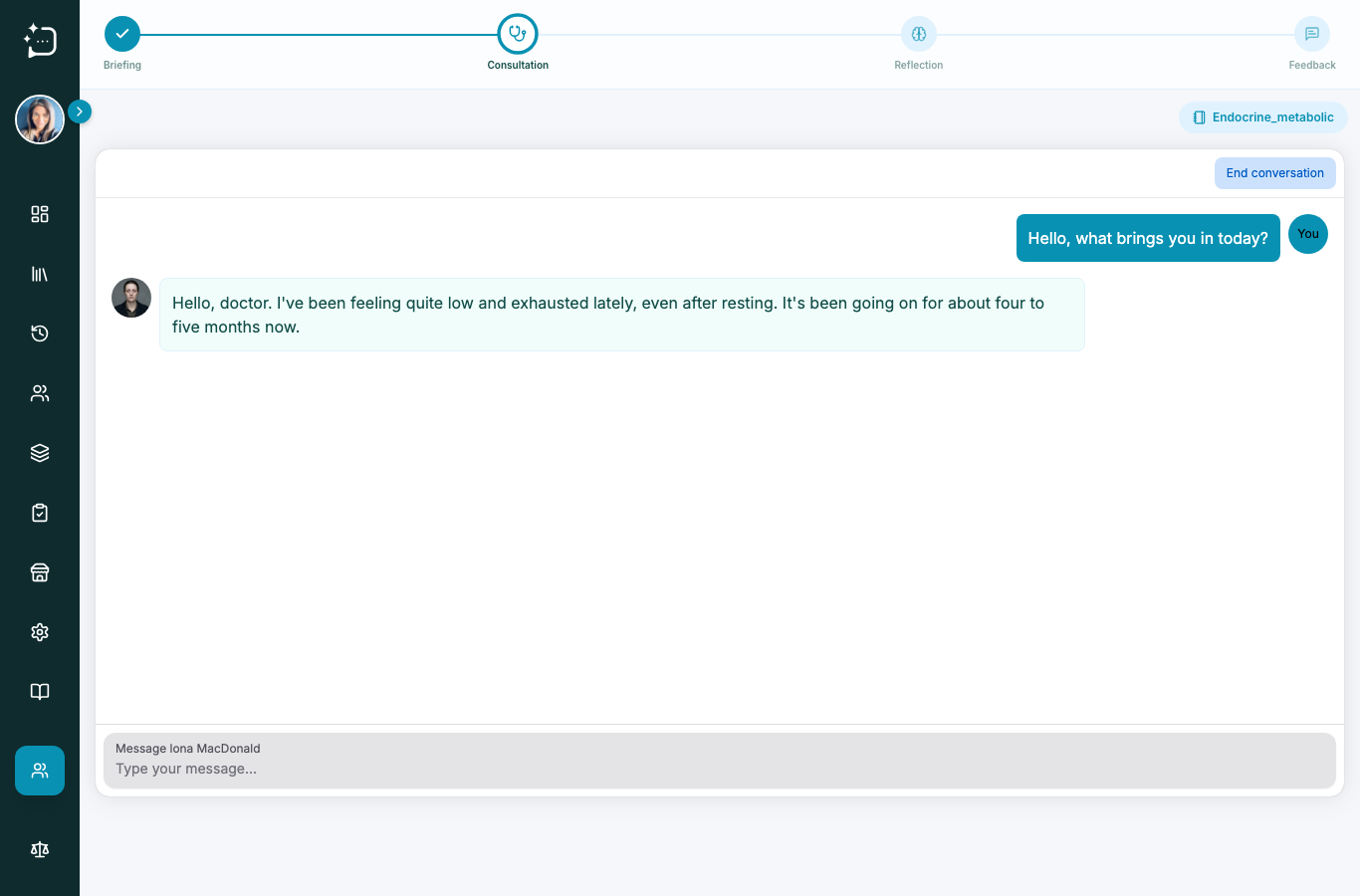
Write or chat with your scenario in the message box. Ask questions naturally and respond to what the patient tells you.
4. Reflect
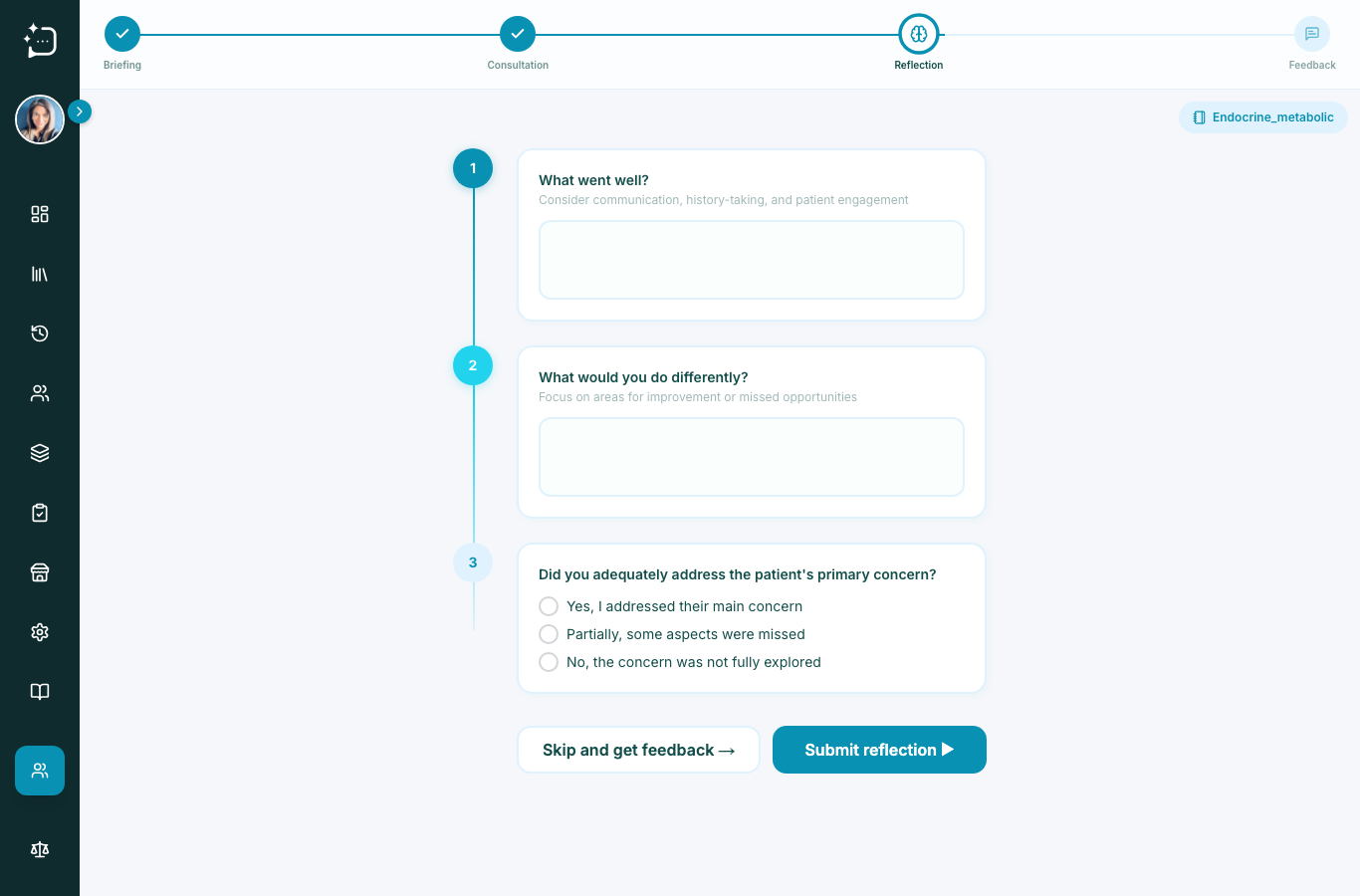
When you finish, you're asked to reflect briefly - what went well, what you'd do differently. This comes before the feedback on purpose, so you form your own view first. You can skip it if you prefer.
5. Review your feedback
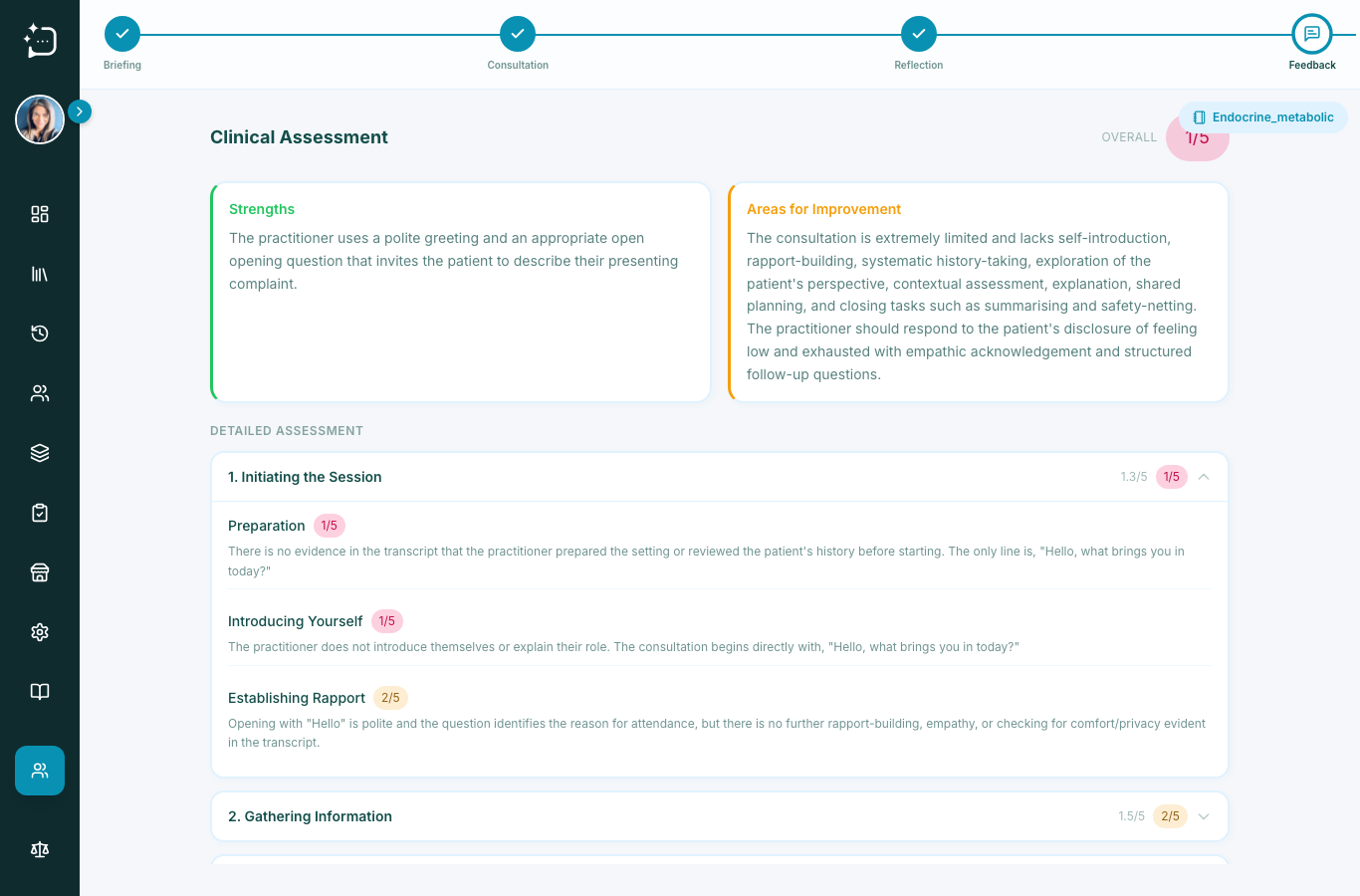
SimPatient then generates structured feedback on your consultation - strengths and areas to improve, against the scenario's rubric. It's a learning aid, not an exam grade.
Did this help?
If you're still stuck, email hello@simpatient.co.uk.