
I'm locked out or my access expired
What to do when you can't get in.
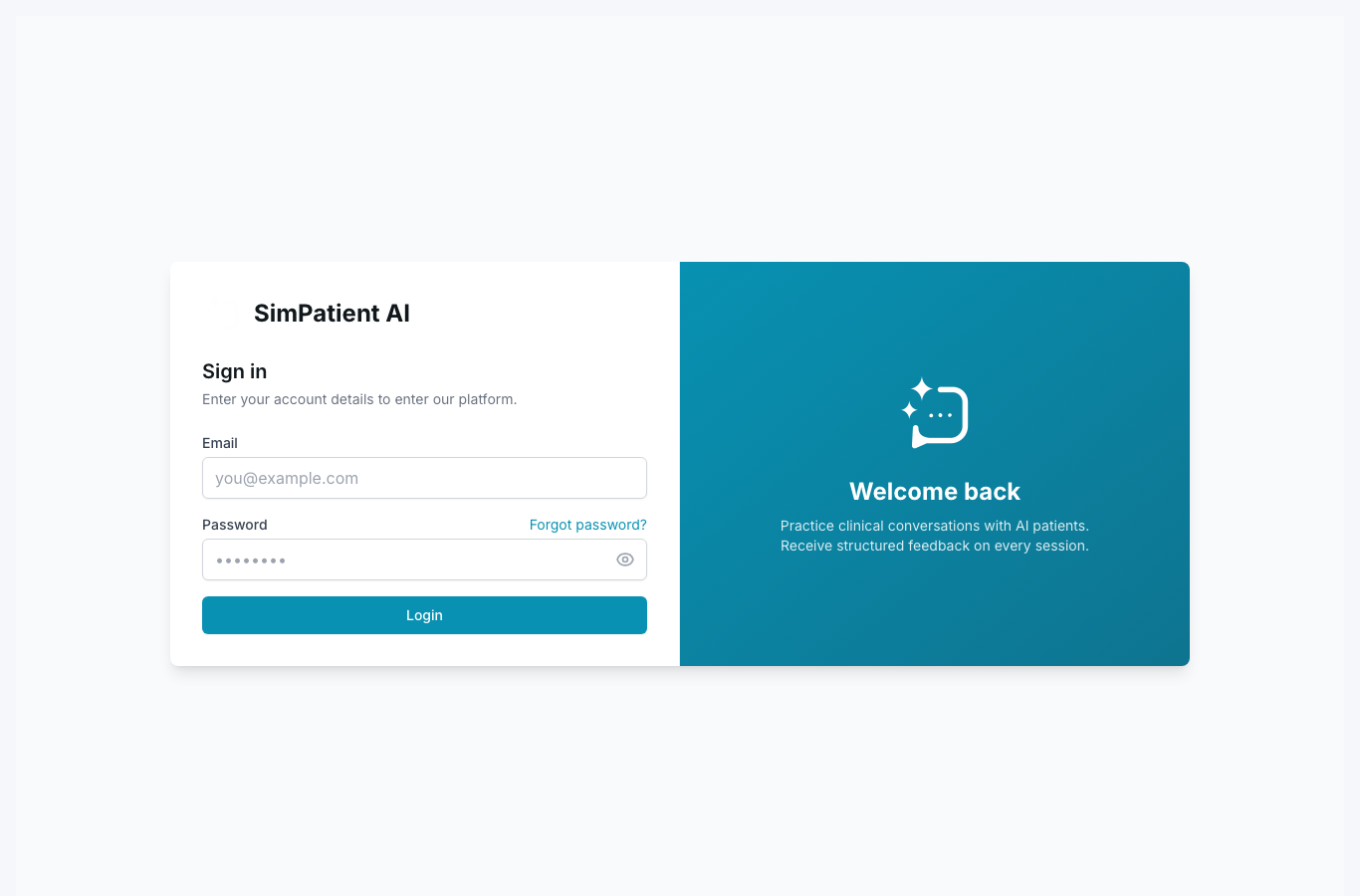
Quick steps
- 1Check whether you're on the correct account email.
- 2Confirm role and membership status with admin.
- 3Retry sign-in via clean browser session.
- 4Request reissue of invite or permissions if expired.
Lockouts are usually permissions, identity, or environment issues.
- Wrong account or stale browser session.
- Removed user role or expired invitation.
- Organisation has disabled account during cleanup.
- URL mismatch (non-production environment).
If issue persists quickly, share a screenshot of the exact error with your admin.
Did this help?
If you're still stuck, email hello@simpatient.co.uk.