
Signing in
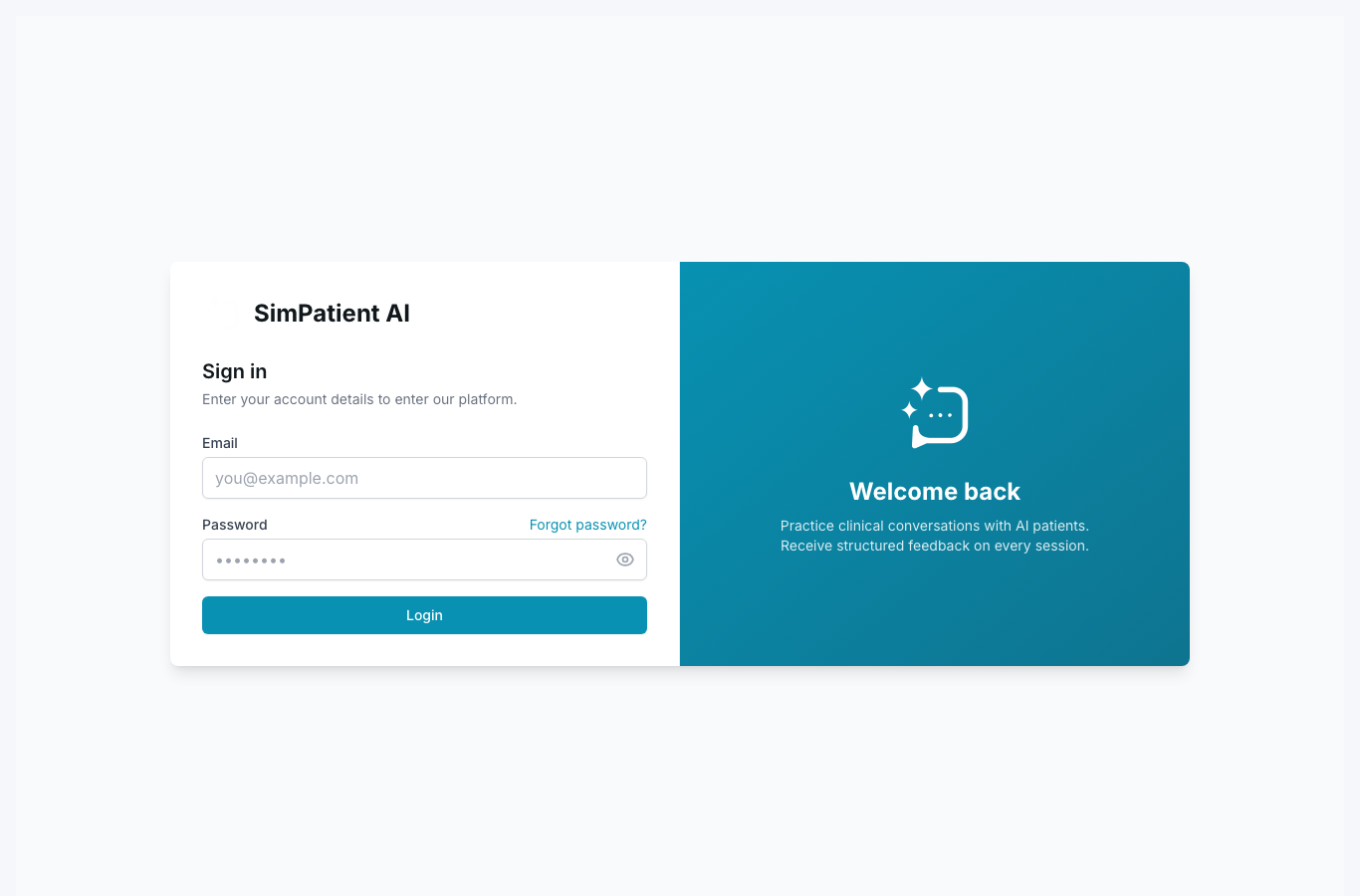
Password and single sign-on (Microsoft / Google).
Quick steps
- 1Open `app.simpatient.co.uk` in a supported browser.
- 2Select the sign-in method provisioned by your institution.
- 3Complete provider step or enter credentials.
- 4If needed, clear cache and retry in an incognito window.
Use the sign-in method your administrator has configured for your account profile.
- SSO (Microsoft/Google): follow institutional identity flow.
- Password login: use account credentials assigned to you.
- If sign-in fails, test on a clean browser tab.
If you cannot locate the right flow, confirm with your org admin whether SSO is enforced.
Did this help?
If you're still stuck, email hello@simpatient.co.uk.