
Using the Scenario Store
Publish your scenarios and import others'.
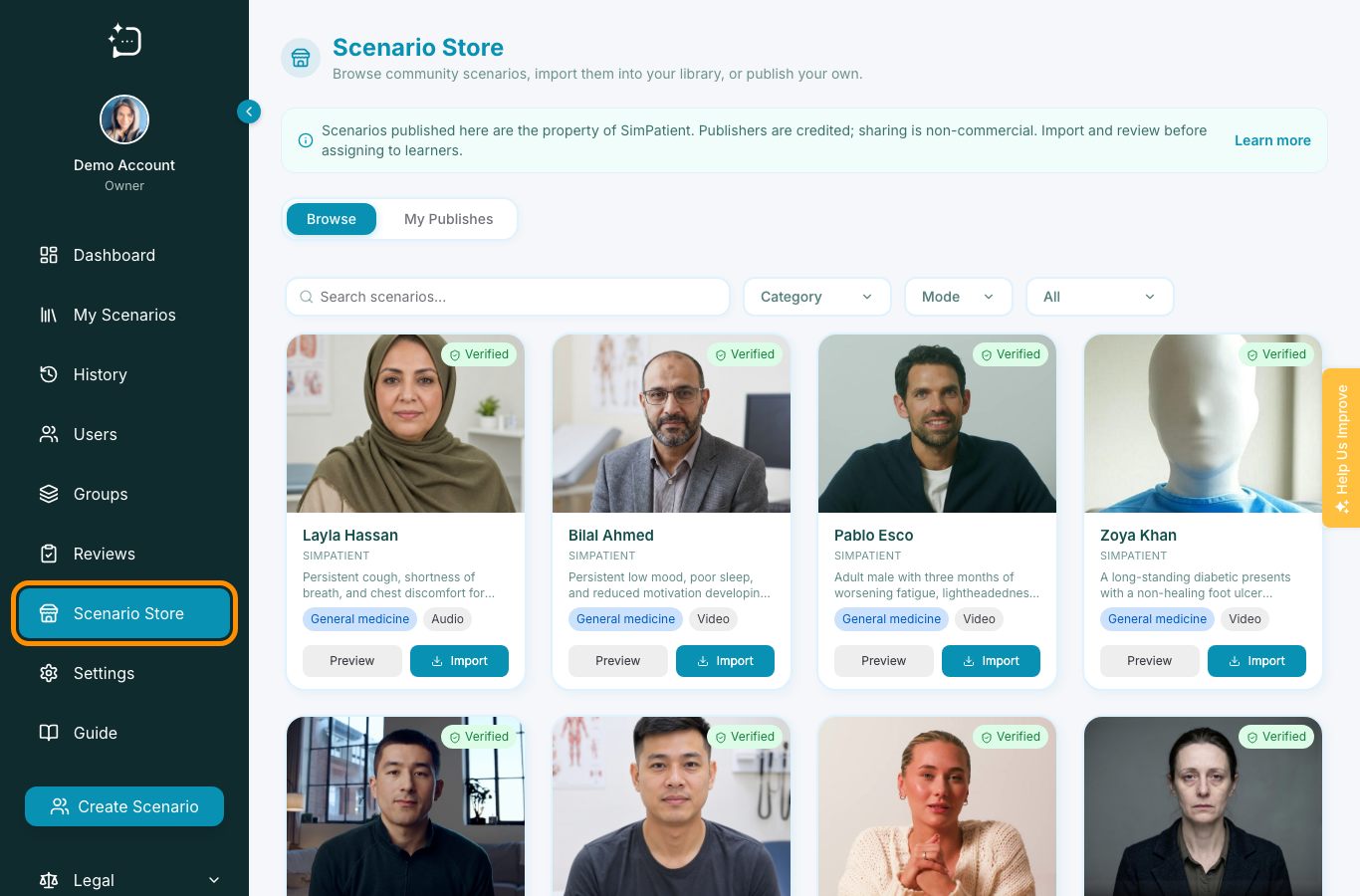
Quick steps
- 1Open Scenario Store from your organisation menu.
- 2Review scenario suitability and permissions.
- 3Import, clone, or publish based on your use case.
- 4Track version and attribution in your internal notes.
The store is useful for reuse and consistency. Verify the scenario meets your cohort outcomes before assigning.
- Search by topic and modality.
- Open the scenario detail and check learning intent.
- Assign to the correct group.
- Collect learner feedback after first use.
Document local adaptations if you reuse a public scenario with your own teaching framing.
Did this help?
If you're still stuck, email hello@simpatient.co.uk.