
Set up your organisation
Get your organisation ready in about ten minutes.
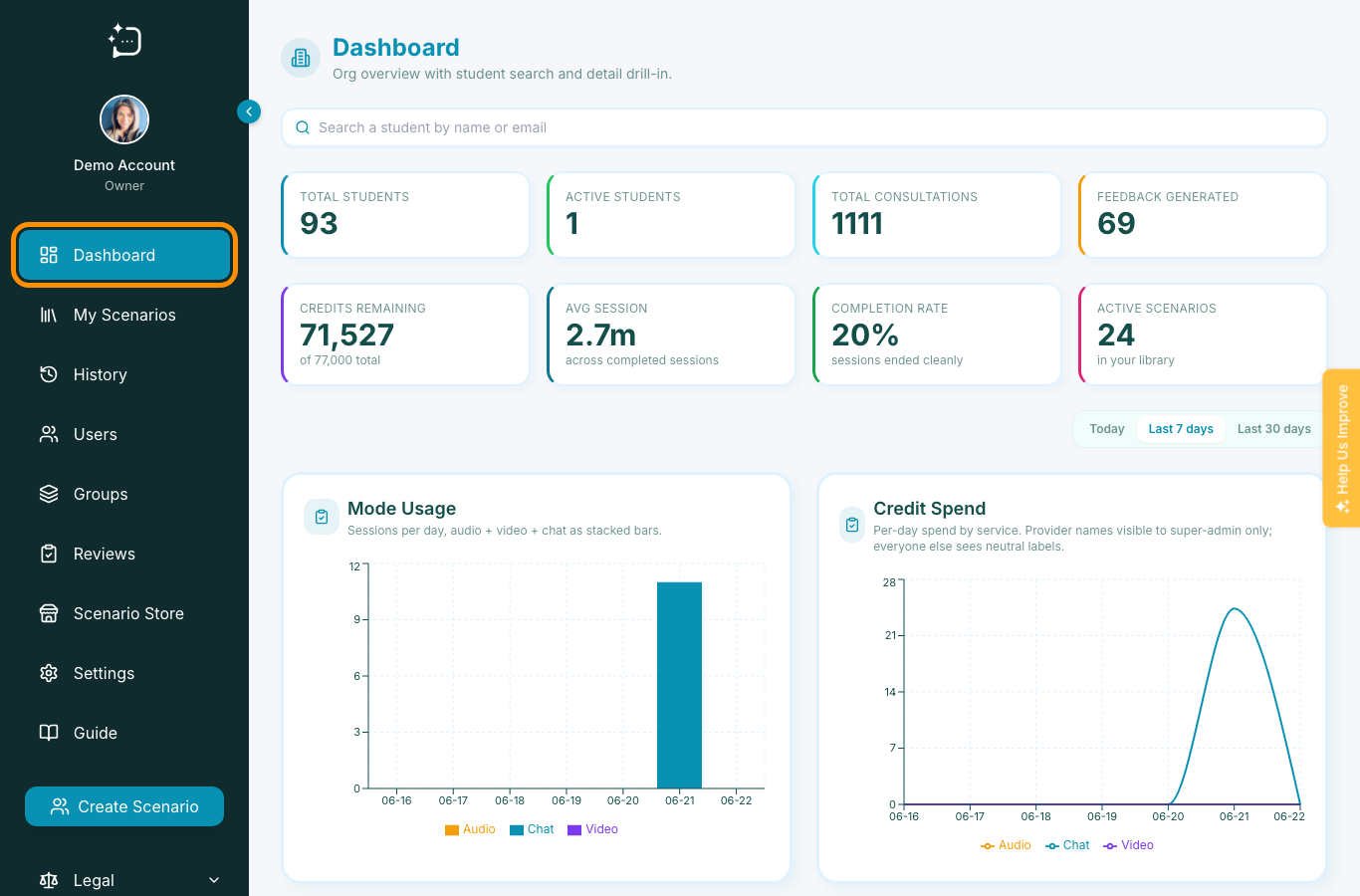
Quick steps
- 1Open Organisation in your account settings.
- 2Review user roles and available credits.
- 3Invite staff and learners.
- 4Create groups and assign scenarios by group.
- 5Set a short onboarding checklist for new users.
Before you add content, build the governance structure: who teaches, who administers, and who practises. This makes the platform predictable for your learners and safer for your course team.
1) Start with structure
- Set owner and admin members.
- Define teaching and learner permissions.
- Confirm credit budget and expected monthly activity.
2) Configure learning units
Create groups that reflect your teaching reality: cohort, year, placement group, or clinical team. Assign scenario access per group so everyone sees only what is relevant for the module.
3) Keep it repeatable
Use a single onboarding copy for new users: invite, role confirmation, first scenario assignment, then reflection. This reduces support demand and avoids ad-hoc troubleshooting.
Review group membership and scenario assignment before each assessment window.
Did this help?
If you're still stuck, email hello@simpatient.co.uk.