
Use the Settings admin centre
Organisation details, patient personas, rubrics, and credit limits.
Quick steps
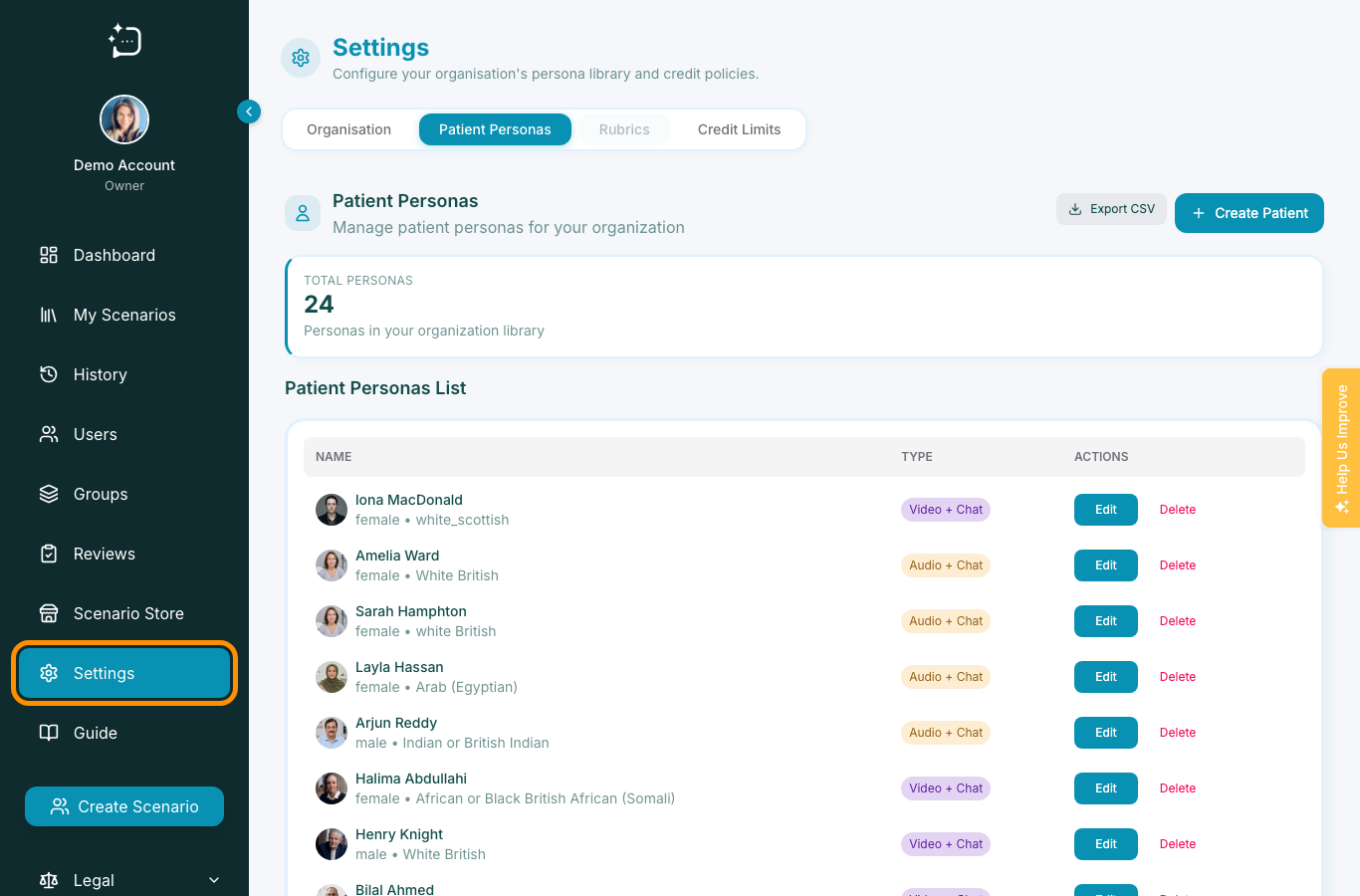
- 1Open Settings from the sidebar.
- 2Use Organisation for identity and governance settings.
- 3Use Patient Personas to review, edit, or create scenarios.
- 4Use Rubrics to manage assessment frameworks.
- 5Use Credit Limits to plan learner usage.
Settings is where staff manage the platform configuration rather than a single learner workflow. Use it when a question is about organisation identity, scenario library maintenance, assessment rubrics, or credit limits.
Which tab to use
- Organisation: profile, contact, and security controls.
- Patient Personas: manage the organisation scenario library.
- Rubrics: create and review feedback frameworks.
- Credit Limits: control how much usage learners can consume.
Authors may see a narrower Settings view than owners or administrators.
Did this help?
If you're still stuck, email hello@simpatient.co.uk.